ID Badge Printer Integration with Access Control Systems
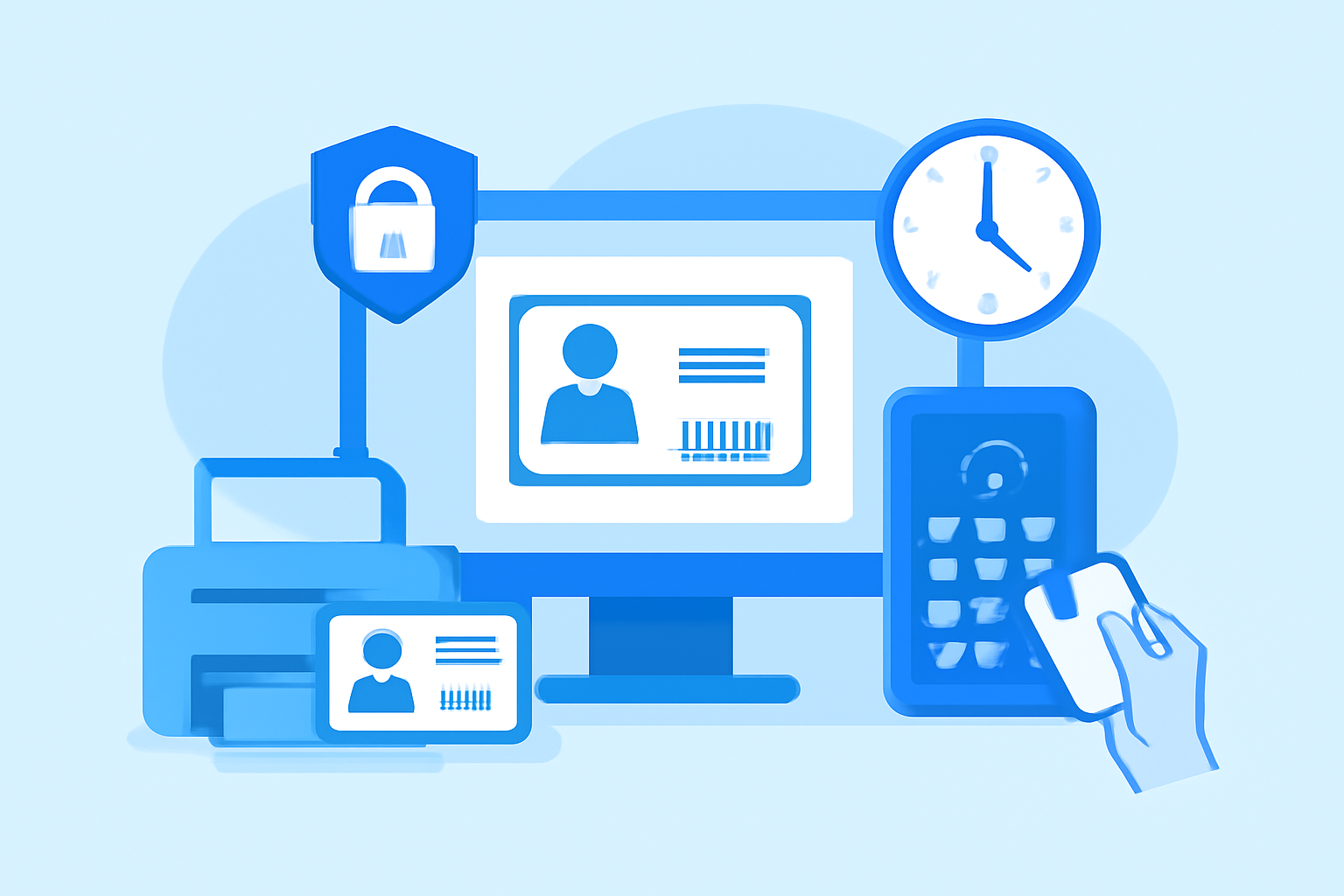
Integrating your ID badge printer with your building’s access control system isn’t optional anymore—it’s the difference between printing decorative plastic and deploying functional security credentials. Modern access badge integration connects your desktop card printer (typically a Zebra ZC300 or Fargo DTC1250e) with door controllers, time clocks, and centralized security databases, turning what looks like simple badge printing into a complete identity management workflow.
I’ve set up these integrated systems for offices ranging from 12-person startups to 200-employee facilities, and the reality is messier than vendor brochures suggest. You’re bridging desktop printing software (CardPresso, AsureID, or BadgeMaker), middleware that talks to access control panels, and reader hardware that may be 15 years old. Getting these layers to cooperate requires understanding both the physical card technology and the data architecture underneath.
RFID and Magnetic Stripe Technology for Access Badges
Your card printer encodes credentials onto physical badges using one of three technologies: magnetic stripe, 125 kHz proximity RFID, or 13.56 MHz smart cards (MIFARE, DESFire). Magnetic stripe is legacy—think 1980s hotel keys—but still common in hybrid systems where the same badge accesses both modern door readers and ancient time clocks. The stripe holds about 140 characters of data across three tracks; Track 2 typically stores your facility code and credential number.
Proximity cards (HID ProxCard II being the industry standard) contain a simple RFID chip that broadcasts a fixed ID number when energized by a reader. No encryption, no reprogramming—just a permanent number assigned at manufacture. When you “program” a prox card, you’re not changing the card; you’re registering its number in your access control database and associating it with an employee record. Your desktop printer never touches the RFID chip—it only prints the visible graphics. You need separate RFID enrollment hardware (often built into enterprise card printers like the Fargo HDP5000 with iCLASS encoder).
Smart cards like MIFARE DESFire EV2 are different beasts. These contain actual processors with encrypted memory sectors, allowing you to write access credentials, building codes, even stored value for cafeteria purchases. Programming requires a PC/SC-compliant smart card encoder, usually integrated into your printer or available as a USB reader (Omnikey 5022 is a reliable choice at £45). The CardPresso XXS software can write DESFire sectors if your printer supports it, but the learning curve is steep—you’re dealing with application IDs, key diversification, and sector permissions.
For small business deployments, I typically recommend 125 kHz proximity unless you need multi-application cards. Prox is bulletproof: readers cost $35, cards are 90p each, and there’s nothing to corrupt. Smart cards make sense above 100 employees or when integrating with payment systems, but expect to spend a week learning the encoding process.
Programming Access Levels and Permissions
Access control systems think in terms of cardholders, credential numbers, and door groups. When you print and encode a badge, you’re creating a physical token that references a database record. That record contains the employee’s access level: which doors, which time schedules, which holidays they’re restricted on.
Most systems (Brivo, Salto, Paxton Net2) use web-based management portals where you define access levels first, then assign them to cardholders. A typical “Office Staff” access level might grant entry to the main entrance (doors 1-3) Monday-Friday 6:00-20:00, with automatic lockout on bank holidays. “IT Team” adds server room access 24/7. You’re building permission templates, not programming individual cards—the intelligence lives in the controller, not the badge.
The bridge between your ID card software and access control system is usually a CSV export/import workflow. You print badges in CardPresso, which generates an Excel file with employee names, departments, and newly-assigned credential numbers. You import this CSV into your access system, batch-assign access levels, and activate the cards. Some enterprise systems (Lenel OnGuard, S2 NetBox) offer direct API integration, but that requires custom middleware unless you’re running their proprietary card printing module.
One gotcha: credential number conflicts. If your card printer assigns numbers sequentially starting at 10000, but your access system already has active badges in that range, you’ll create duplicates. Always check your existing credential database and configure your card software to use an unused number block. I’ve seen offices where three people could open the same door because they’d recycled credential numbers without deactivating the old badges.
For smaller teams needing phone-based alerts when specific doors are accessed, virtual phone systems for small business teams can send SMS notifications to security staff outside business hours. Setting up these automated alerts typically takes 30 minutes and runs about £15 monthly per notification number.
Integration with Time and Attendance Systems
Using access badges for time tracking is brilliant in theory—employees badge in, the system logs their arrival, no separate time clock needed. In practice, you’re integrating systems that were never designed to talk to each other.
The access control panel records every badge swipe: credential number, reader location, timestamp, grant/deny status. Time and attendance software (uAttend, TSheets, ADP) needs to consume these events and translate them into timecard entries. The problem is data format. Your access panel outputs events in its native format (Wiegand strings, HID proprietary protocol, or RS-485 serial data), while your time tracking software expects delimited text files or API calls with employee IDs, not raw credential numbers.
Middleware bridges this gap. Software like TimeClick or Attendance on Demand runs on a Windows PC, polls your access control database every 5 minutes, matches credential numbers to employee records, identifies “first entry of day” events as clock-ins, and exports formatted data to your payroll system. You’re running scheduled tasks, mapping database fields, and dealing with orphaned records when someone loses their badge—but it works for 50-150 employee environments.
For tighter integration, look for access systems with native time tracking modules. Paxton Net2 Plus includes timesheets and absence management built into the same software that manages door permissions. You sacrifice flexibility (you’re locked into their ecosystem), but gain reliability—no CSV exports, no middleware failing at 3am.
One practical consideration: door selection for time tracking. If you track time based on front entrance swipes, employees who arrive with colleagues (one person holding the door) won’t clock in. You need either turnstile-style readers that force individual badges, or a policy requiring everyone to badge regardless of door status. I’ve seen offices solve this with “Proximity Card Required” signage and monthly audits of who’s clocking via the time clock app versus physical badges—the mismatch reveals who’s bypassing the system.
Troubleshooting Common Access Control Issues
Badge won’t read? The problem is almost always electromagnetic interference, damaged encoding, or reader/card technology mismatch. Magnetic stripe cards fail near speakers, CRT monitors (yes, people still have them), or in back pockets that get sat on repeatedly. The stripe delaminates, data corrupts, and you get the dreaded “read error” beep. Prox cards are more durable, but metal wallets block RFID signals—I’ve watched confused employees hold their entire wallet against a reader, wondering why the stainless steel case prevents the 125 kHz field from reaching the card.
Reader range inconsistencies usually indicate dying reader power supplies or badly-tuned antenna gains. Prox readers should trigger at 5-10cm; if users need to press the card flat against the reader face, the power supply voltage has dropped (check for 12VDC ±0.5V) or the antenna coil has detached inside the reader housing. Smart card readers are pickier—wrong SAM module, incorrect card key diversification, or firmware mismatches between reader and card can all cause silent failures where the reader lights up but never grants access.
Database synchronization issues are harder to spot. You program a new badge, test it at the printer workstation (works fine), walk to the door (access denied). The access panel hasn’t pulled the updated cardholder database from the server. Most systems sync every 15-60 seconds, but network glitches or panel offline status can delay updates for minutes. Enterprise panels with offline memory continue functioning during network outages, but won’t learn about new badges until reconnection. Always check the panel’s “last sync” timestamp in your management software before blaming the badge.
A less obvious problem: clock drift between your card printing workstation and access control server. If your PC clock is 5 minutes fast and you encode a badge valid “now,” but the access panel’s clock is accurate, that badge is valid 5 minutes into the future. Most systems tolerate small skew, but I’ve debugged installations where 15+ minute clock differences caused intermittent access denials. Use NTP synchronization on all systems—this isn’t optional.
Before troubleshooting integration issues, verify your printer hardware is configured correctly. Our guide on ID card printer setup for new businesses covers encoder selection and driver configuration that directly impacts access control compatibility.
Emergency Communication Protocols and Virtual Notification Systems for Security Events
Access control systems generate security events: door forced open, access denied after three attempts, emergency exit alarmed. Getting those events to the right people instantly requires notification infrastructure beyond the access system itself.
Traditional installations use proprietary annunciator panels—wall-mounted LED displays showing alarm status—plus hardwired relay outputs triggering building-wide sirens. That’s fine for “evacuate now” scenarios, but useless for nuanced alerts like “Server room accessed outside IT team hours” or “Visitor badge used on executive floor.” You need programmable event triggers and modern communication channels.
Most access systems support email/SMS alerts via SMTP integration, but email is unreliable for urgent security events—messages sit in spam folders, delivery delays stretch to minutes, and you can’t verify receipt. Better approach: webhook triggers to a virtual phone system that broadcasts voice calls to on-duty security staff. When the system detects “door forced open,” it POST requests to your VoIP provider’s API (Twilio, Plivo, or similar), which immediately calls three mobile numbers simultaneously. First responder to answer hears “Door 7 forced open alarm, press 1 to acknowledge,” logging response time and confirming human awareness.
For distributed teams managing security across multiple locations, this bridging between physical access events and cloud communication infrastructure eliminates the need for dedicated monitoring centers. A two-person office can implement enterprise-grade security response using a £25/month virtual phone number and Python script bridging access panel webhooks to voice notifications.
Integration complexity depends on your access system’s API exposure. Brivo and Honeywell Galaxy offer REST APIs with real-time event streaming. Older systems (Rosslare AY-H6200, DSX 2048) require parsing log files or polling status registers via Modbus. I’ve built successful notification systems using Node-RED to poll a Paxton Net2 database every 30 seconds, comparing event timestamps and triggering Telegram bot messages—not elegant, but functional for <£100 implementation cost.
The key architectural principle: separate event detection (access panel’s job) from event communication (virtual phone/messaging system’s job). Don’t force your access control system to be a notification platform. Let it write events to a database or webhook, then use purpose-built communication tools to alert humans. This separation makes the system testable, replaceable, and debuggable—you can simulate access events and verify alerts fire without actually forcing doors open.
Frequently Asked Questions
Q: Can I print access badges without buying an expensive encoder-equipped card printer?
Yes, but with limitations. If you’re using magnetic stripe credentials, external USB mag encoders like the MagTek Mini Swipe (£120) work with any card printer—you print the visible card in your Zebra or Evolis, then manually swipe it through the encoder running standalone software. For RFID proximity cards, you can’t encode them at all with desktop equipment—the chip is programmed at manufacture. You just register the existing card number in your access system. Smart cards (MIFARE/DESFire) require PC/SC encoders; the Omnikey 5427 (£75) handles most implementations if you’re willing to use separate encoding software before printing. All-in-one encoder printers (Fargo HDP5000, Zebra ZC100i) save steps but cost £2,000-4,500 versus £600 for a basic printer plus external encoders.
Q: How do I prevent employees from sharing access badges?
Technical controls: biometric verification at high-security doors (fingerprint readers tied to badge credentials cost about £450 per door), anti-passback rules that prevent using the same badge for entry twice without an intervening exit, and time-based photo comparisons where security cameras capture images at badge swipe and flag discrepancies. Practical controls work better for small businesses: print large, recent photos on badges making impersonation obvious, establish clear policies with consequences, and review access logs weekly for suspicious patterns (same badge entering from two doors 30 seconds apart suggests sharing). In my experience, most badge sharing is convenience-driven (“I forgot mine, can I borrow yours?”), not malicious—solving it requires making legitimate badge replacement fast and free, removing the incentive to borrow.
Q: What happens to door access during network or power outages?
Depends on your access panel architecture. Intelligent panels (Salto, HID Edge) store credential databases locally and continue granting access to authorized badges even when disconnected from the server—you lose centralized monitoring and can’t add new badges, but doors still work. Simpler systems with centralized readers require constant server communication and fail to “locked” or “unlocked” state based on configuration—some default to secure (all doors lock), others to fail-safe (all doors unlock for fire code compliance). Battery backup on door controllers provides 4-8 hours of operation during power loss, but verify your specific panels have this—cheaper residential-grade controllers often lack battery support. For critical access points, specify fail-secure magnetic locks (remain locked without power) with mechanical key override and ensure fire exits always fail-safe regardless of system state.