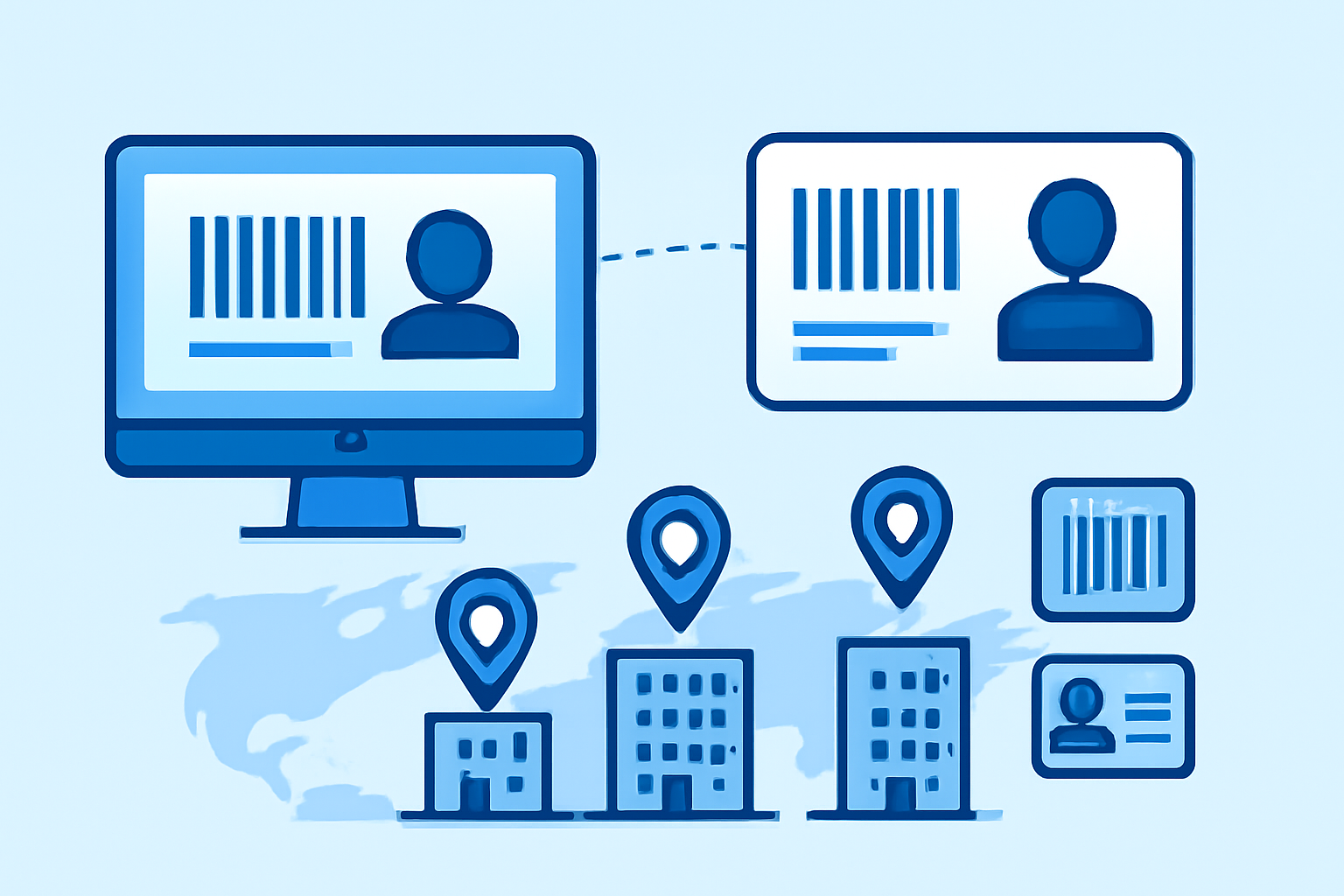
Managing employee badges across three office locations taught me that the biggest headaches aren’t technical—they’re organizational. You need a clear decision on whether each site prints its own badges or whether headquarters handles everything, then standardized templates that work with whatever printer model each location owns, and a database system that doesn’t leave employees locked out because their new hire record didn’t sync overnight. Multi-site badge coordination is fundamentally about choosing the right printing model, enforcing design standards, and keeping your employee database synchronized.
Centralized vs Decentralized Badge Printing Approaches
The first decision shapes everything else: does corporate HQ print all badges and ship them out, or does each location handle its own printing? I’ve seen both models work, and both fail spectacularly.
Centralized printing—one location produces all badges—guarantees consistency. You’re using the same printer model (typically a Fargo DTC1250e or Zebra ZC300), the same card stock, the same color profiles. New hires at the Phoenix office get the exact same badge quality as someone starting in Atlanta. The downside is logistics. Shipping delays mean employees work their first week with temporary paper badges, which undermines the entire security purpose. One client I worked with ran centralized printing until their main printer died on a Friday afternoon—120 new contractors starting Monday across four sites, zero badges available.
Decentralized printing puts a badge printer at each major location. Faster turnaround, no shipping costs, immediate replacements for lost badges. The challenge is maintaining consistency when you’re running different printer models with different ribbon types and different operator skill levels. The Denver office might have a five-year-old HID printer while the new Seattle location has a brand-new Evolis Primacy 2. Color matching becomes impossible, and security features vary by hardware capability.
My recommendation for most multi-location businesses: hybrid approach. Equip major offices (anything over 50 employees) with identical mid-range printers—pick one model and stick with it. Let them handle routine printing and replacements. Reserve centralized printing for executive badges, high-security cards with embedded chips, and supporting smaller satellite offices that don’t justify dedicated equipment. This gives you speed where you need it and control where it matters. Training consistency matters when you’re managing multiple sites, since ID card printer setup procedures differ significantly between manufacturers.
Standardizing Badge Designs and Security Levels
Template drift destroys multi-site badge systems. I’ve audited companies where the Chicago office used blue backgrounds, Boston used gray, and nobody could immediately identify which badges were current. Standardization isn’t about aesthetics—it’s operational security.
Start with a master template in whatever design software you’re using (Asure ID, CardPresso, or even Adobe Illustrator if you’re printing through generic drivers). Lock down the mandatory elements: company logo placement, photo dimensions, employee name position, expiration date format. Define your font selection once—typically Arial or Helvetica at minimum 8pt for names, 6pt for secondary info—and enforce it everywhere. Color codes matter: standardize background colors for different access levels (blue for standard employees, green for contractors, red for visitors) across all locations.
Security features need documentation. If your headquarters badges include UV-fluorescent ink but your branch offices don’t have UV-capable printers, you’ve created two security tiers whether you intended to or not. Either eliminate the UV printing requirement or ensure every site has compatible hardware. Same goes for holographic overlays, magnetic stripes, and RFID encoding. Each location should produce badges with identical security features within the same employee category.
Version control prevents chaos. Date your badge templates (BadgeTemplate_v2.3_2024-03) and maintain a revision log. When you update the logo, adjust the security color scheme, or add a QR code, every location updates simultaneously. I recommend quarterly template audits where someone from IT or facilities actually examines badges from each location side-by-side. You’ll spot inconsistencies immediately—color drift from aging printer ribbons, logos that printed at slightly different sizes, expiration dates in wrong formats.
Database Synchronization for Multi-Site Operations
Your badge printing software is worthless without accurate employee data, and multi-site operations magnify every data sync problem. Most badge printing applications—Asure ID Exchange, EasyBadge, ID Flow—connect to your HR database or Active Directory. The question is how often they sync and what happens when they don’t.
Real-time synchronization sounds ideal but introduces complications. If your New York HR system updates an employee record while Chicago is mid-print, you can corrupt card data or print outdated information. I’ve seen this happen with name changes and department transfers. Scheduled synchronization (every 4-6 hours during business hours, plus overnight full sync) provides better stability. Set sync windows during low-activity periods—7am, noon, 5pm—to minimize disruption.
Field mapping causes half the support calls I’ve dealt with. Your HR system calls it “EmployeeID” but your badge software expects “EmpNum”. Phoenix mapped the fields correctly, but the Denver office administrator set it up differently, so half the badges there print with department codes where employee numbers should appear. Document your field mapping schema once, deploy it identically at every location, and lock it down with administrator-only access.
Offline resilience matters more than most IT departments admit. Network outages happen. Your badge printing stations need local database caches that update from the central system but can operate independently for 24-48 hours. When the network recovers, the system reconciles any changes (new prints, deactivations, updates) back to the central database. Test this scenario deliberately—disconnect a site from the network and verify they can still print replacement badges for employees already in the local cache.
Remote Communication Tools for Badge Management Teams
Badge coordination across locations fails without proper communication channels. The person managing badge printing in Austin needs to reach the administrator in Boston instantly when there’s a template issue, hardware failure, or security concern.
Dedicated Slack channels or Microsoft Teams groups specifically for badge operations work better than email chains. Create channels like #badge-operations for routine questions, #badge-urgent for hardware failures and lockouts, and #badge-templates for design changes and approvals. When Denver’s printer displays an “encoder error” message, they post in #badge-urgent with a photo, and someone in Phoenix who solved the same problem last month can respond immediately.
Documentation sits at the core of multi-site operations. I recommend a shared wiki (Confluence, Notion, or even a shared Word document) containing printer-specific troubleshooting (different procedures for Zebra vs Fargo printers), template change history, approved vendor contacts for card stock and ribbons, and workflow diagrams for different badge types. The Seattle administrator shouldn’t need to call headquarters to figure out how to print a contractor badge—the wiki should answer it.
Video call capability matters for complex troubleshooting. When the badge printer starts producing cards with vertical white streaks, a quick Teams call with screen sharing helps the local operator diagnose whether it’s dirty printhead, expired ribbon, or incorrect heat settings. This beats email screenshots by hours. Schedule monthly video check-ins with all badge administrators to discuss common issues, upcoming template changes, and hardware concerns before they become emergencies.
Access badge systems have evolved significantly, but communication between the people managing them hasn’t kept pace at many organizations.
Virtual Phone Systems for Badge Emergency Coverage
The badge management team needs reliable communication infrastructure, especially when locations span multiple time zones. Traditional phone trees don’t work when the Chicago printer fails at 6am Central time (4am Pacific) and nobody in California sees the email until mid-morning.
Virtual phone systems with smart routing ensure badge emergency calls reach someone who can help regardless of location. Set up a dedicated badge support number that routes first to the location’s primary administrator, then escalates through a defined chain across other offices if unanswered within 90 seconds. When Phoenix has a badge emergency but their administrator is sick, the call automatically routes to the Austin backup, then Denver, ensuring coverage. Virtual phone systems for small business teams handle exactly this type of distributed coordination problem.
SMS alerting for critical badge system issues (database sync failures, printer offline for 2+ hours, low card stock) reaches administrators regardless of whether they’re at their desk. Most business phone systems now include SMS capabilities and can integrate with monitoring systems to send automated alerts. Configure your badge management software to trigger SMS when specific error conditions occur.
Voicemail-to-email transcription helps when badge requests come in outside business hours. Contractors arriving Monday morning but their badge request voicemail hit Friday afternoon? The transcribed message hits the badge administrator’s email immediately, increasing chances they’ll see it over the weekend and prep the badge. International locations particularly benefit—a London employee’s badge issue recorded at 5pm GMT gets transcribed and emailed to New York administrators before they start their day.
Call recording for audit trails solves disputes about badge requests and approvals. When there’s confusion about whether the Dallas office approved a specific security clearance level, the recorded call provides definitive proof. This matters more in regulated industries where documented approval chains become part of compliance audits.
Frequently Asked Questions
Q: Should remote locations have the same badge printer model as headquarters?
Strongly recommended, yes. Identical printer models eliminate 90% of template and color matching issues. When you standardize on one model—say, the Zebra ZC300 series—you maintain consistent print quality, use the same ribbon types, and simplify troubleshooting because every location works with the same hardware. Your templates transfer perfectly, security features print identically, and you can stock spare parts centrally. The cost savings from bulk purchasing the same model often offset any price differences between printer options. If budget constraints force mixed hardware, at least standardize within the same manufacturer’s product line to maintain driver compatibility.
Q: How do you handle badge printing for employees who transfer between locations?
Two approaches work. Immediate reprint at the new location using synced employee data maintains badge consistency and updates the physical security access points (the Boston card reader shouldn’t accept Chicago-encoded badges if you’re running location-specific access control). Alternatively, allow existing badges to work across all locations if your access control system supports it, then reprint only when badges expire or are lost. The second approach saves printing costs but requires more sophisticated access control programming. Most mid-sized businesses split the difference: reprint for permanent transfers, keep existing badges active for employees who regularly work at multiple sites. Document the policy clearly so administrators at each location handle transfers consistently.
Q: What happens when the central employee database goes offline?
This is why local database caches are non-negotiable. Each badge printing station should maintain a local copy of employee records, synchronized from the central system every 4-6 hours. When the central database becomes unavailable, locations continue printing badges using cached data for employees already in the system. You can’t add entirely new employees during the outage (their records don’t exist locally), but you can print replacement badges and handle routine operations. Most badge software includes offline modes specifically for this scenario—configure and test it before you need it. Set up automatic alerts when sync has failed for more than 12 hours so IT knows to investigate database connectivity issues.