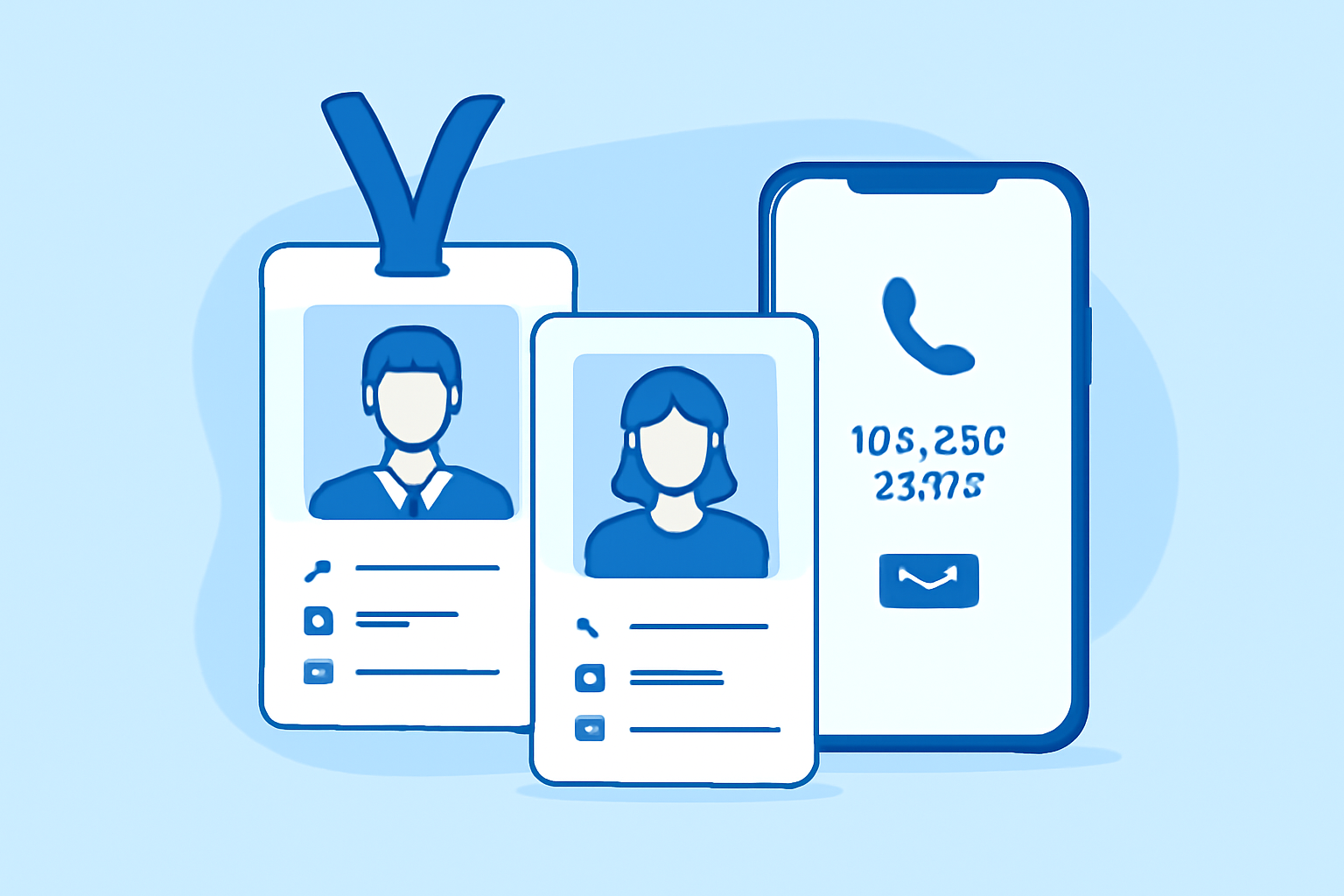
Adding contact information to employee badges transforms them from simple identification tools into practical business communication resources. Most organizations include at least a department extension or direct line, but the real decision is choosing which contact methods work best for your workflow and security requirements.
Why Contact Information Matters on Employee Badges and Business Cards
Employee badges serve dual purposes: identification and access. Adding contact information turns them into networking tools during conferences, client meetings, and inter-department collaboration. When a facilities manager needs to reach the IT department or a client wants to follow up with a specific employee, having that phone number or extension visible saves time.
Badges with contact information reduce front desk inquiries by 30-40% in most office environments. Visitors can directly call extensions instead of routing through reception. This matters more in multi-floor buildings or campus-style offices where physical navigation takes time.
The trade-off is privacy. Some employees—particularly those in HR, legal, or executive roles—prefer limiting publicly visible contact details. The solution isn’t avoiding contact information entirely, but choosing the right level of detail for each employee category.
Choosing Between Direct Lines, Extensions, and Virtual Numbers for Badge Printing
Direct lines offer immediacy but create problems when employees change desks or departments. Traditional phone systems assign numbers to physical locations, not people. Extension systems solve this by routing calls through a PBX, but they require callers to navigate a phone tree or know the extension format (e.g., “x5423”).
Virtual numbers—especially those using modern virtual phone number solutions—give employees portable contact points that follow them regardless of location. An employee working remotely Monday, in the office Tuesday, and at a client site Wednesday keeps the same reachable number. For badge printing, this means one number remains accurate through office moves, desk reassignments, or hybrid work arrangements.
Extensions work best for internal-facing roles: warehouse staff, back-office processing, IT support. Print them as “Ext. 4425” in a smaller font beneath the employee name. Direct lines suit customer-facing positions: sales, client services, executive assistants. Virtual numbers make sense for roles requiring flexibility: field technicians, remote team members, consultants who split time between locations.
Some organizations use a hybrid approach: print the main office number with the employee’s extension in smaller text. Format it as “(555) 123-4000 x228” to guide external callers while keeping the badge useful for internal directory purposes.
Design Considerations: Fitting Phone Numbers and QR Codes on ID Cards
Standard CR80 ID cards measure 3.375" × 2.125"—about the size of a credit card. Space is limited. A typical badge layout includes photo, name, title, department, employee ID number, barcode, and potentially contact information. Adding a phone number requires thoughtful typography.
Use two-tier text sizing: employee name at 14-16pt, phone number at 8-10pt. Font selection matters more than you’d expect—sans-serif fonts like Arial or Helvetica remain legible at small sizes, while decorative fonts create confusion when printing phone extensions. I’ve seen too many badges where ornate fonts made extensions completely unreadable.
QR codes offer an elegant solution for multiple contact methods without cluttering the badge design. Encode a vCard with phone number, email, department, and even Teams/Slack handles into a 0.5" × 0.5" QR code positioned in the badge corner. Modern smartphones read these instantly, populating contact information into the recipient’s phone without manual typing.
Position phone numbers in the lower third of the badge, beneath the photo and name block. This placement keeps critical identification elements prominent while making contact details accessible. Avoid printing them vertically along the edge—it forces uncomfortable head-tilting during quick reads.
For badge printing software integration, most professional ID card design tools support variable data fields. You can link to a CSV or database containing employee phone numbers, automatically populating each badge during batch printing. This matters when printing 50+ badges—manual entry creates transcription errors.
Privacy and Security: What Contact Details Should Appear on Employee Badges
Not every employee should have contact information on their badge. Healthcare workers dealing with aggressive patients, social workers conducting home visits, and employees with restraining orders against individuals all have legitimate privacy concerns.
Create tiered badge templates:
Public-facing badges: Full name, title, department, direct number or extension. Used by sales, customer service, reception.
Internal badges: First name, department, extension only. Used by warehouse, back-office, IT support.
Privacy-protected badges: First name, department, no contact information. Used by executives, HR, legal, employees with documented security concerns.
Visitor badges: Name, company, host employee, valid date range. No contact information—visitors shouldn’t receive permanent contact methods.
The data protection implications vary by jurisdiction. EU organizations under GDPR must justify including personal phone numbers on badges as a legitimate business interest. Some companies solve this by using department numbers rather than individual extensions—“IT Support: x4400” instead of “John Smith: x4403.”
Consider badge loss scenarios. A lost badge with a direct line to an executive creates social engineering risks. Security-conscious organizations print only extensions requiring navigation through the main switchboard, adding a verification layer.
Modern eSIM Solutions for Flexible Business Contact Management
Traditional SIM cards lock phone numbers to physical devices and carriers. eSIM technology—embedded SIM profiles activated digitally—allows employees to maintain business numbers across devices without swapping physical cards.
eSIM Plus and similar services let organizations provision business numbers to employee smartphones without issuing separate company phones. An employee uses their personal iPhone or Android device with two active numbers: personal and business. When they call from the business number, it shows the company’s caller ID. When receiving calls, they know immediately whether it’s personal or work-related.
For badge printing, this matters because the business number printed on the badge remains consistent even if the employee changes personal devices or carriers. The organization controls the number, can reassign it when someone leaves, and maintains a centralized directory without managing physical phone hardware.
Implementation is straightforward: employees scan a QR code, the eSIM profile downloads, and the business number activates within minutes. For remote teams or small business communication infrastructure, this eliminates the cost of purchasing separate phones while giving employees professional contact methods worth printing on badges.
The privacy benefit: employees can deactivate the business number during off-hours without affecting their personal line. This separation prevents badge-printed numbers from enabling after-hours calls during vacations or weekends—a significant quality-of-life consideration for work-life balance.
Integrating Badge Printing Software with Company Phone Directories
Manual badge updates create stale data problems. An employee gets a new extension, but their badge still shows the old number for six months until the next printing cycle. Integration solves this by pulling current phone data directly from your directory during badge creation.
Most professional badge printing systems support database connections via ODBC or CSV import. Connect to your Active Directory, Office 365 directory, or VoIP system’s user database, and map phone number fields to badge templates. When printing a new badge, the software queries the directory for current data.
For organizations setting up new systems, this integration happens during initial configuration. Modern badge printers from Zebra, Fargo, and Evolis include software with database connection wizards. The initial setup takes 30-60 minutes, but it prevents years of manual data entry errors.
API-based integration offers real-time updates. When HR updates an employee’s phone extension in the company directory, the badge printing queue automatically reflects the change. This matters for large organizations with frequent departmental moves or role changes.
Barcode integration adds another layer: encode the phone extension or employee ID into the badge’s barcode or magnetic stripe. Access control systems can then display contact information when scanning badges at security checkpoints, helping guards verify identity during incident response without relying on tiny printed text.
Frequently Asked Questions
Q: Should temporary contractors have contact information on their badges?
No. Temporary badges should identify the contractor and their host employee but shouldn’t include direct contact methods. Contractors work through their host’s contact information, and temporary badges might be reused. Print the host employee’s extension if contact information is necessary, formatted as “Host: Jane Smith x4523.” This routes inquiries appropriately while maintaining security boundaries.
Q: What’s the best way to update badges when phone numbers change?
Reprint badges immediately for customer-facing roles where contact accuracy matters. For internal roles, schedule reprints during regular badge renewal cycles (typically 2-3 years) unless the employee specifically requests an update. Virtual number systems reduce this problem since numbers follow employees rather than physical desk phones. Organizations using eSIM-based business numbers experience 70% fewer badge reprints due to contact information changes.
Q: Can you include multiple contact methods on one badge without creating clutter?
Yes, using a QR code. Print one primary phone number (extension or direct line) as text for quick visual reference, then encode full contact details—office number, mobile, email, Teams handle—into a QR code in the badge corner. This gives colleagues with smartphones full contact information while keeping the badge design clean for visual identification purposes.