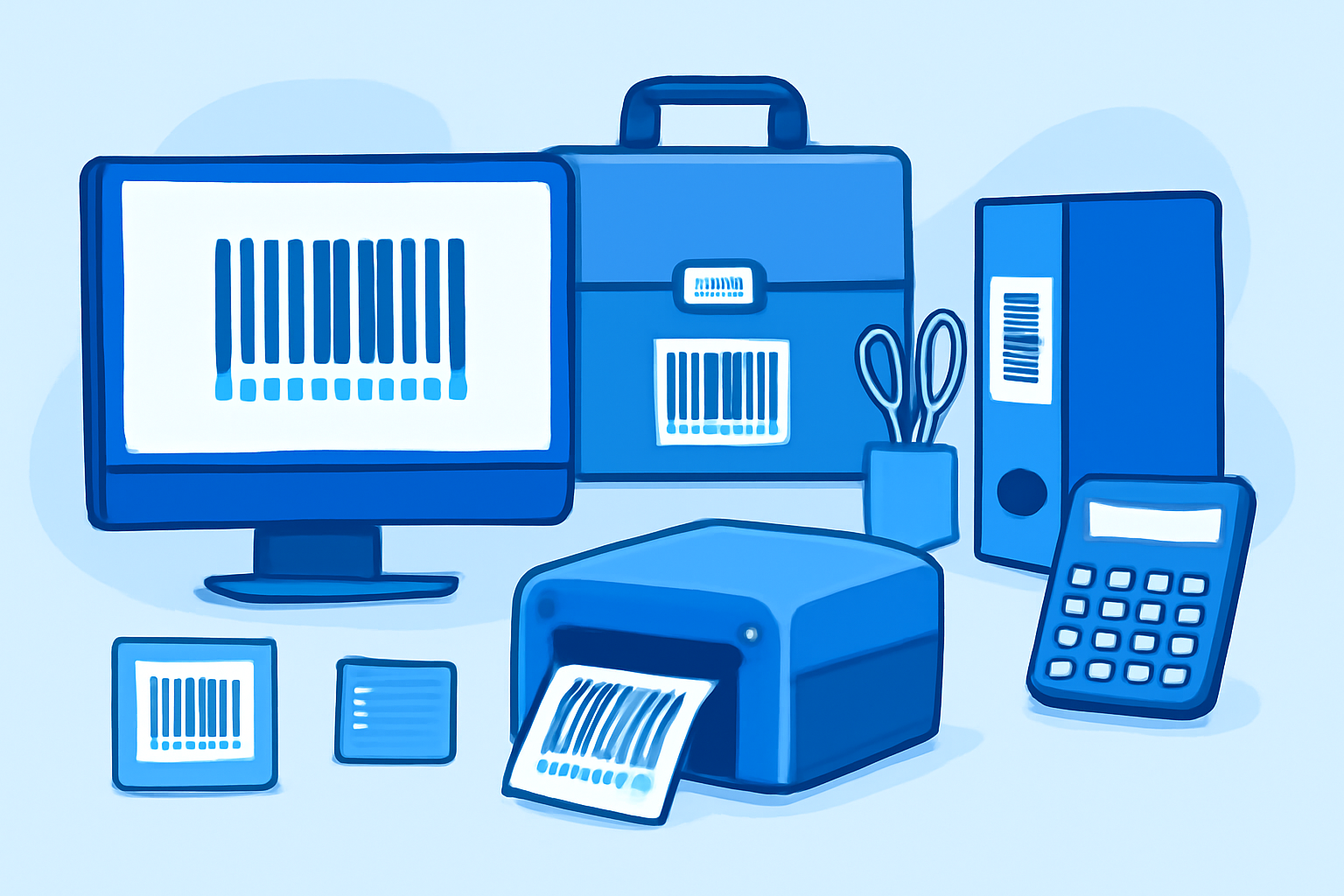
Setting up a barcode labeling system for your small business office transforms inventory chaos into predictable asset management. You need three components: a thermal label printer (expect $200-600 for decent models), handheld or USB barcode scanners ($50-300), and database software to tie everything together—often just a well-structured Excel workbook or free inventory management software like PartKeepr or Snipe-IT. Within two afternoons, you can label 200+ assets and start scanning items in and out like a proper enterprise, except you’re tracking laser printers and conference room projectors instead of warehouse pallets.
Benefits of Barcode Tracking in Small Office Settings
Manual inventory spreadsheets break down once you exceed 50 items or have multiple people managing supplies. Someone forgets to update the “toner cartridge” row, another person orders duplicates, and suddenly you’ve got twelve reams of letterhead but no HDMI cables. Barcode scanning eliminates the “I think we have three of those” guesswork.
Audit times drop from hours to 15 minutes. Scanning 200 asset tags takes less time than manually counting one storage closet. You’ll catch depreciation schedules before equipment leases expire, identify serial numbers for warranty claims without digging through filing cabinets, and generate accurate insurance documentation after one quick walk-through with a scanner.
For offices managing loaner equipment—laptops, mobile hotspots, presentation clickers—barcode checkout logs create accountability. When that $900 webcam disappears, you know exactly who signed it out on March 12th. This approach scales from five items to 500 without requiring new processes.
Selecting Barcode Label Printers and Scanners
Thermal label printers split into two categories: direct thermal (no ribbon, prints fade over 6-12 months) and thermal transfer (uses ribbon, prints last years). For office assets that stick around—monitors, chairs, filing cabinets—spend the extra $100-200 for thermal transfer. Brother QL-820NWB ($250-280) handles both methods at 300 DPI, prints 62mm labels, and connects via USB or Wi-Fi. Zebra ZD421 ($300-400) offers better durability if you’re printing 50+ labels weekly.
Skip photo-quality inkjet printers. They’re slow, ink smears, and label sheets jam constantly. Dymo LabelWriter models ($130-220) work fine for direct thermal but commit you to proprietary label rolls—$15-25 per 500 labels versus $8-12 for generic thermal transfer rolls on Zebra-compatible printers.
Barcode scanners fall into three tiers: USB corded ($40-80), wireless Bluetooth ($90-180), and ruggedized warehouse models ($200+). For office use, grab a basic 2D imager like the Tera HW0002 ($50, USB) or Inateck BCST-70 ($120, Bluetooth). 2D imagers read QR codes and damaged labels better than older laser line scanners. You don’t need the $300 Honeywell Voyager for tracking desk phones.
Test scanner compatibility before buying. Some cheaper models ship with keyboard wedge emulation (scanner types characters as if you’re typing) but add carriage returns or prefixes that break database imports. Check Amazon reviews for “works with Excel” confirmations.
Creating an Asset Tracking Database
Start simple: Excel or Google Sheets with five columns—Asset ID (barcode number), Description, Purchase Date, Location, Assigned To. Generate barcodes using free tools like TEC-IT TFontDist (barcode fonts for Windows) or online generators that export PNG images. Code 128 barcodes handle alphanumeric serials; Code 39 works for simpler numeric IDs.
Print adhesive labels in batches—20-50 at a time—with sequential numbering (OFFICE-0001 through OFFICE-0250). Prefix codes help: MON-0045 for monitors, PROJ-0012 for projectors, FURN-0089 for furniture. This visual categorization speeds up scanning during audits.
For teams exceeding 100 assets or needing mobile access, free open-source options beat paying $40/month for cloud inventory SaaS. Snipe-IT (self-hosted PHP/MySQL) handles 10,000+ assets, tracks maintenance schedules, and generates depreciation reports. PartKeeper works better for consumable supplies—think USB cables, batteries, cleaning supplies. Both export CSV files compatible with accounting software.
Import your existing inventory by assigning barcode IDs to current spreadsheet rows, print corresponding labels, then physically tag each item. Block off four hours for initial tagging across a 15-person office. Scan everything into the database immediately—don’t leave unlabeled items for “later.” That never happens.
Integrating Inventory Systems with Business Operations
Barcode inventory intersects with three business workflows: purchasing, maintenance scheduling, and financial reporting. When your database shows “3 remaining” for any supply item, trigger automatic reorder notifications. Set par levels (minimum quantities) for frequently used items—toner cartridges, paper reams, HDMI adapters—and scan inventory weekly.
Link asset purchase dates to depreciation schedules. A $2,000 laptop depreciates over three years; scanning the barcode pulls the purchase date from your database and calculates current book value for tax reporting. Export these reports quarterly for your accountant instead of reconstructing purchase histories from credit card statements.
Maintenance tracking prevents expensive failures. Scan a printer’s barcode, log a “paper jam - roller cleaned” entry, set a 90-day reminder for next maintenance check. After three identical issues, the database flags replacement consideration before the device dies during a critical deadline. This works equally well for HVAC filters, door lock batteries, and projector bulbs.
The barcode systems for equipment checkout approach pairs well with asset management. When someone scans out a laptop barcode at 6:15 PM, your system can trigger automated SMS confirmations or log the checkout against their employee badge scan, creating audit trails that connect physical asset movement to personnel records without manual cross-referencing.
Connecting Physical Assets to Digital Communication Channels
Modern offices blur physical and digital inventory boundaries. That conference room speakerphone (physical asset, barcoded, tracked) connects to your VoIP system (digital service, subscription-tracked). Barcode your networking hardware—routers, switches, Wi-Fi access points—then link those asset IDs to your network documentation.
When the second-floor Wi-Fi drops, scan the ceiling-mounted access point’s barcode to pull up its configuration notes, warranty expiration, and previous trouble tickets. This beats Slack messages asking “Does anyone remember which AP model we installed in Conference Room B?”
Managing virtual phone systems for small business teams becomes easier when physical devices have tracking numbers. The ID card printer workflow extends naturally to barcode labeling. Print employee badges with embedded QR codes linking to equipment checkout history. Scanning an employee’s badge immediately shows what assets they currently have signed out—laptop, mobile hotspot, presentation remote. This replaces separate checkout sheets and email trails.
For distributed teams, photograph barcoded assets during remote equipment shipments. When that home-office monitor arrives, the remote employee scans the barcode via smartphone app, confirms receipt, and the database timestamps delivery. Return shipping reverses the process—scan the barcode, print the prepaid return label, database marks asset as in-transit.
Frequently Asked Questions
Q: Can I use standard Avery labels with thermal printers, or do I need proprietary label rolls?
Standard adhesive labels work fine with thermal transfer printers using ribbon—Zebra, Brother, and DYMO 4XL models all accept generic 2" × 1" label rolls. Direct thermal printers like the basic DYMO LabelWriter require specific thermal-sensitive labels (usually proprietary), but thermal transfer models offer more flexibility. Check your printer’s core size specifications (1" cores are standard) and maximum label width. Generic thermal transfer labels from Amazon or Uline cost 40-60% less than name-brand equivalents without quality differences for office use. Avoid photo paper labels—they’re designed for inkjet printers and will jam thermal printheads.
Q: What barcode format should I use for internal asset tracking—Code 39, Code 128, or QR codes?
Code 128 offers the best balance for office inventory: it’s compact, handles alphanumeric characters, and every barcode scanner manufactured since 2005 reads it. Code 39 works but generates longer barcodes for the same data—fine for large equipment labels, cramped for small items like keyboards or mice. QR codes make sense if you need to embed URLs (linking to online documentation or equipment manuals), but they require 2D imagers rather than basic laser scanners. Stick with Code 128 unless you have specific reasons to switch. Your database software doesn’t care about the format—it just stores the decoded string—so choose based on label size constraints and scanner compatibility.
Q: How do I handle barcode labels that get damaged or worn off equipment?
Print replacement labels using the same asset ID from your database—barcode numbers are database keys, not physical labels. Keep a “damaged label” queue: during audits, photograph the item, note its physical location and identifiable features (serial numbers, unique markings), then cross-reference against your database’s unscanned items. Re-print that asset’s barcode label and re-tag immediately. For equipment in harsh environments (warehouse spaces, outdoor gear), use polyester labels with strong adhesive (3M 7871 vinyl withstands solvents and abrasion better than paper labels). Laminated barcode labels add 2-3 years of durability for $0.05 more per label. If labels constantly fail in specific locations, you’re using the wrong material—switch to metal asset tags ($0.50-1.00 each) for heavy machinery or outdoor equipment.